Claude Code のセットアップ方法を記録しています。2026年1月時点でのプラン、料金を記載しています。
Claude.ai のアカウントを作成します。月額 $20 の Pro プランで契約します。Free プランではウェブ上でのチャットしか使えないので Pro プラン以上を契約する必要があります。
curl -fsSL https://claude.ai/install.sh | bash上記のコマンドを実行すると、次のように表示されます。内容に従って ~/.zshrc を修正します。
Setting up Claude Code...

✔ Claude Code successfully installed!

  Version: 2.1.15

  Location: ~/.local/bin/claude


  Next: Run claude --help to get started

⚠ Setup notes:
  • Native installation exists but ~/.local/bin is not in your PATH. Run:

  echo 'export PATH="$HOME/.local/bin:$PATH"' >> ~/.zshrc && source ~/.zshrc


✅ Installation complete!
次のコマンドでバージョンが表示できるか確認しましょう。
claude --version以下のコマンドでバイナリと設定ディレクトリの削除を行います。
rm -f ~/.local/bin/claude
rm -rf ~/.claude
~/.zshrc などの export PATH="$HOME/.local/bin:$PATH" も不要であれば削除します。
ターミナルに claude と入力すると初回はログインが必要です。
1. Claude account with subscription · Pro, Max, Team, or Enterprise を選択すると、ブラウザが開くので、Claude.ai への接続を「承認する」で承認します。
/config で設定を開き、「Config」→「Language」を日本語にします。
Ghostty はターミナルエミュレータです。次のように、Homebrewでインストールします。
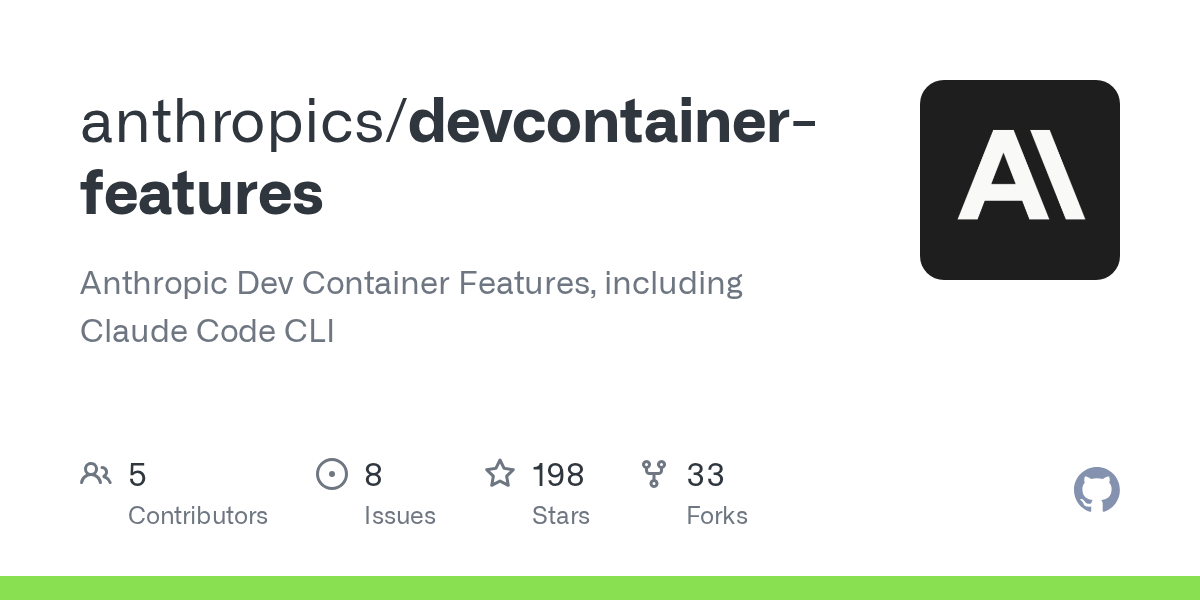
brew install --cask ghosttydevcontainer.json に以下の設定を追記する。
{
  "features": {
    "ghcr.io/devcontainers/features/node:1": {}, // node が不要な場合は取り除く
    "ghcr.io/anthropics/devcontainer-features/claude-code:1.0": {}
  },
  "mounts": ["source=${localEnv:HOME}/.claude,target=/home/vscode/.claude,type=bind"],
}